Stabilise the method before automating it.
Batch data processing
Modelling & Data · Data Analysis
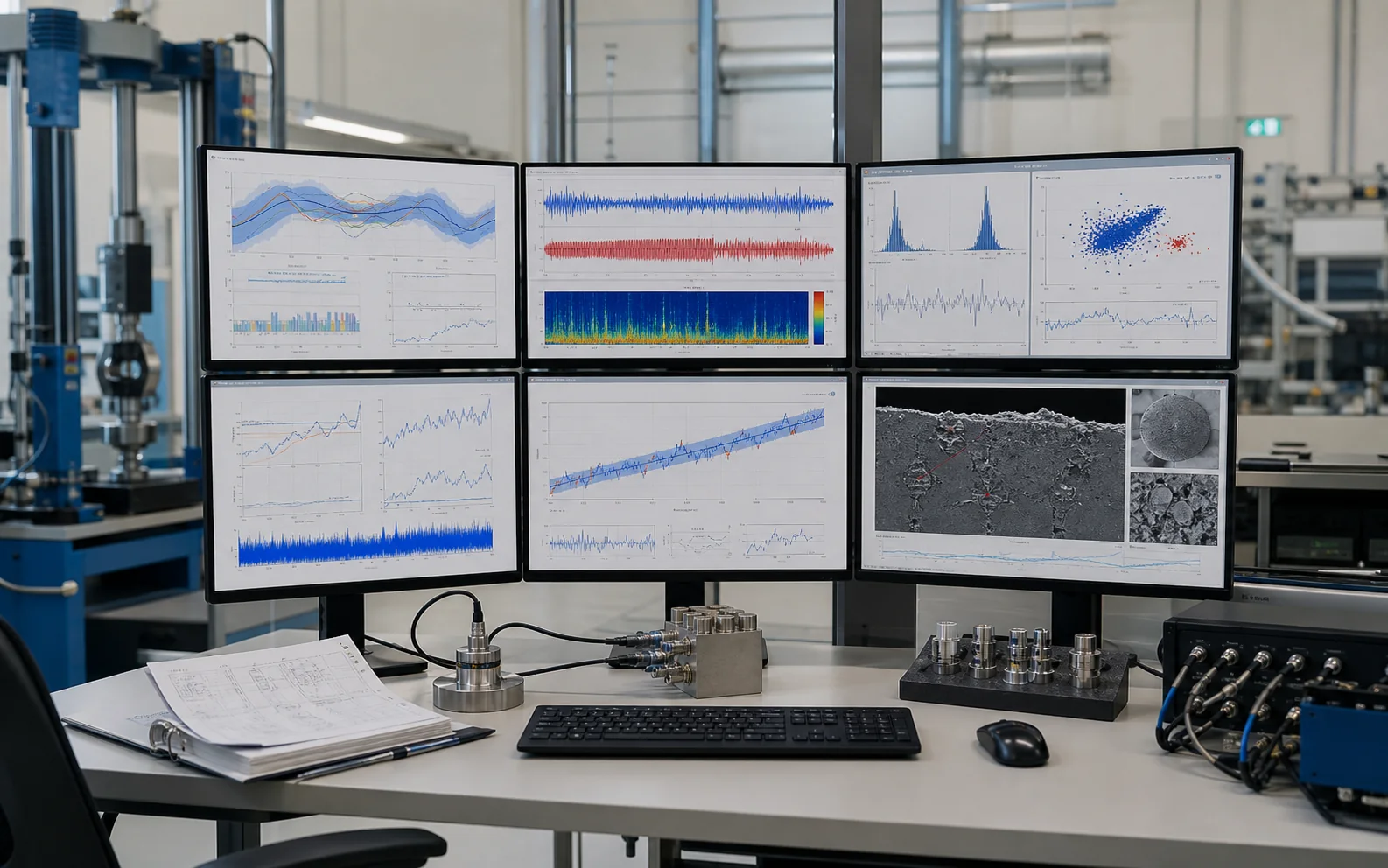
Workflow automation replaces repetitive import, validation, calculation, plotting, and report steps with a versioned, testable process that records inputs, parameters, warnings, and outputs.
Why this service
Workflow automation replaces repetitive import, validation, calculation, plotting, and report steps with a versioned, testable process that records inputs, parameters, warnings, and outputs.
Batch data processing
Automated QC, figures, and tables
Scheduled pipeline or user-operated tool
Choose the scope
The method, preparation route and reporting depth depend on what you need to decide.
Stabilise the method before automating it.
Make failure states visible instead of silently continuing.
Design the workflow for maintenance and auditability.
Common outputs
Fields, conditions, processing and file formats are confirmed before work begins.
A representative output from Workflow Automation with agreed units, labels, and revision status.
Checks, tolerances, convergence, uncertainty, or inspection evidence appropriate to the service.
A concise interpretation connecting the deliverable to the customer decision.
Input requirements
Provide representative, clearly labelled inputs and identify the decision, feature or comparison that matters.
| Suitable input | Submission requirement | Planning note |
|---|---|---|
| Project input or design file | Provide the current design, objective, constraints and required deliverables for technical review. | Declare confidentiality, file, access or delivery constraints in advance. |
Objective: state the decision, comparison or acceptance criterion the work must support.
Handling and access: declare hazards, instability, confidentiality, file constraints or special logistics before dispatch or transfer.
Questions and answers
Short answers to issues that can change preparation, scope, timing or interpretation.
Raw, unedited data in a machine-readable format; preserve original files and metadata.
Start with Batch data processing; the final option is confirmed against the required decision and acceptance criteria.
Typical outputs include reusable analysis workflow, validation and run logs, automated output package. Final files follow the confirmed reporting scope.
Delivery timing is confirmed after the project inputs, scope and dependencies have been reviewed.
Request a project quotation